

Here’s just one more reason to connect your DIRECTV DVR to the internet. There are a whole set of “TV Apps” which are available just by pressing the RIGHT ARROW button on the remote while watching live TV. When you do that, you’ll see not one but two different weather apps. If that’s not enough to satisfy your curiosity, I’m not sure what is.
TWO weather apps?
That’s right, you’ll see a Weather Channel app and an Accuweather app. I’m not sure why, really. I have to believe that it has something to do with contracts. Several years ago, a spat between DIRECTV and the Weather Channel led to that channel being pulled from the schedule for a short while. During that time, the lawyers decided to make nice with other weather channels like AccuWeather and WeatherNation. I guess this was just a backup plan. When the Weather Channel came back, I think that the deals were already in place to feature an alternate app as well. So, that left us with two weather apps, which is fine. It’s better than no weather apps.
How to use The Weather Channel’s app
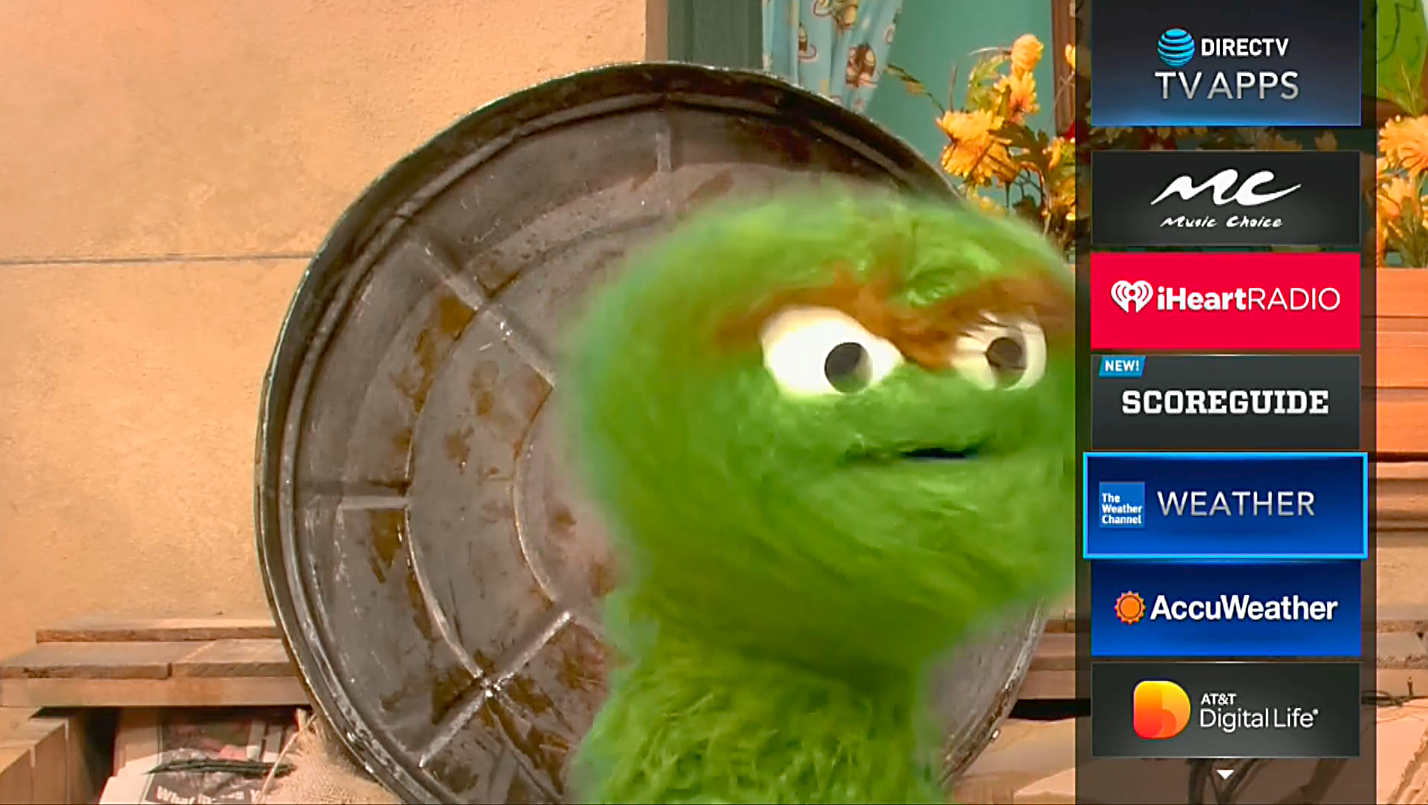
Start by pressing the RIGHT ARROW button. It takes a minute for the apps to load the first time. Arrow down to WEATHER and press SELECT. If you’ve never used it before, you will be asked to set your city. You can set up several cities, not just the one you live in. After you do, you’ll see The Weather Channel’s app:
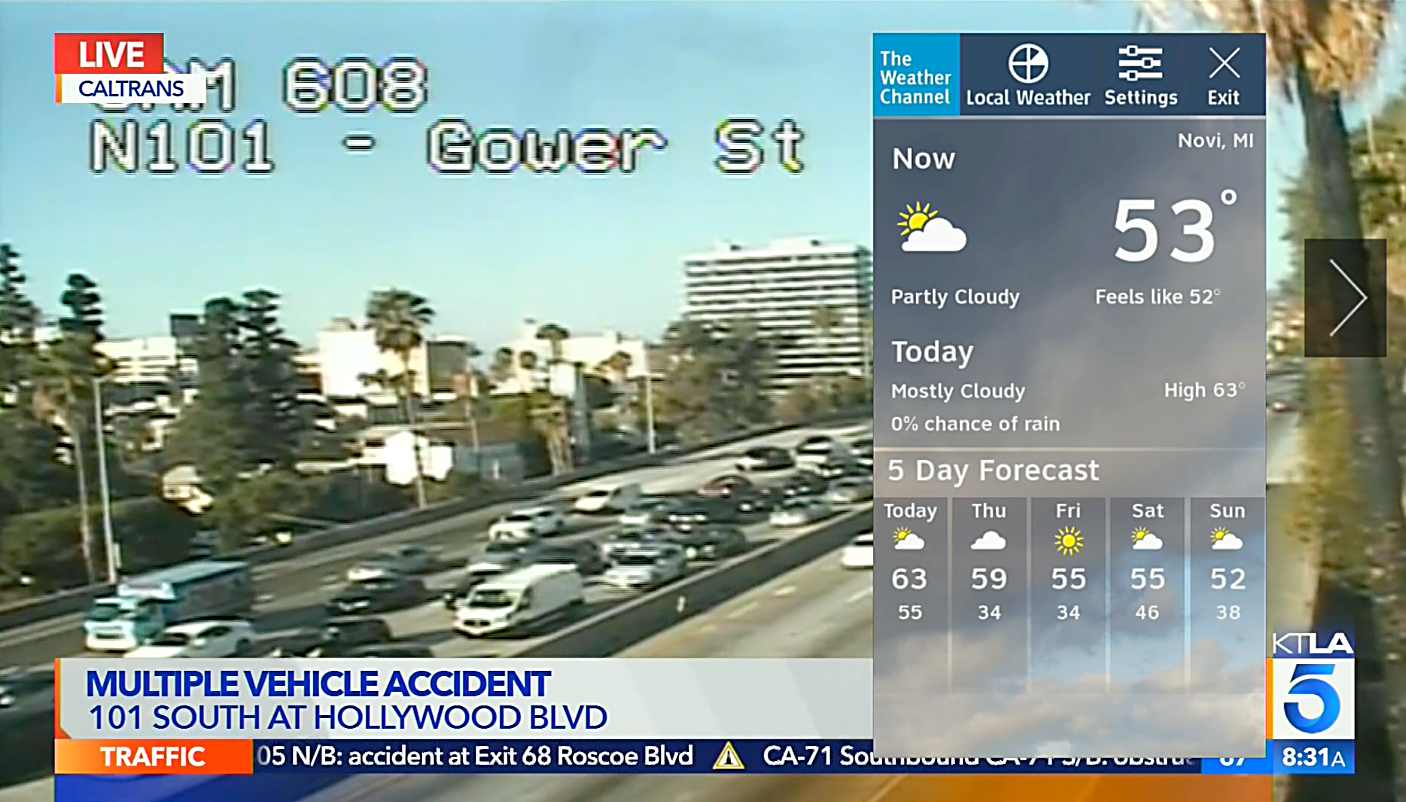
Here you’ll get a quick view of things as they look today, what they’ll look like for the rest of the day, and what they’ll look like for the rest of the week. If that’s not enough, press SELECT again and you’ll get a more detailed view:
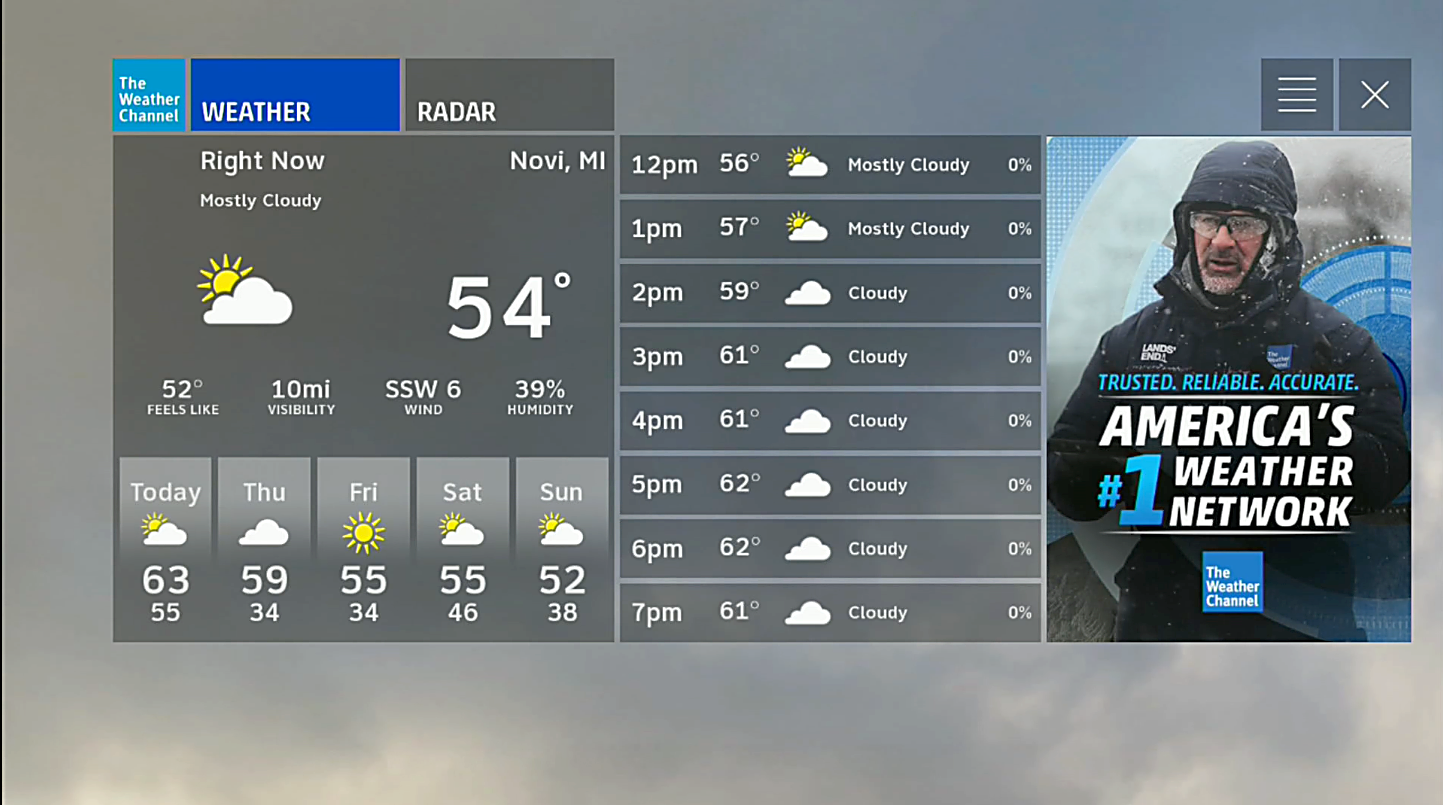
You can also get radar which will give you an idea where things are rainy or snowy. In this case, when I did these screen captures, it was clear all across metro Detroit, so that would have been a pretty boring picture.
To get out of The Weather Channel app, press EXIT on your remote.
How to use the AccuWeather app
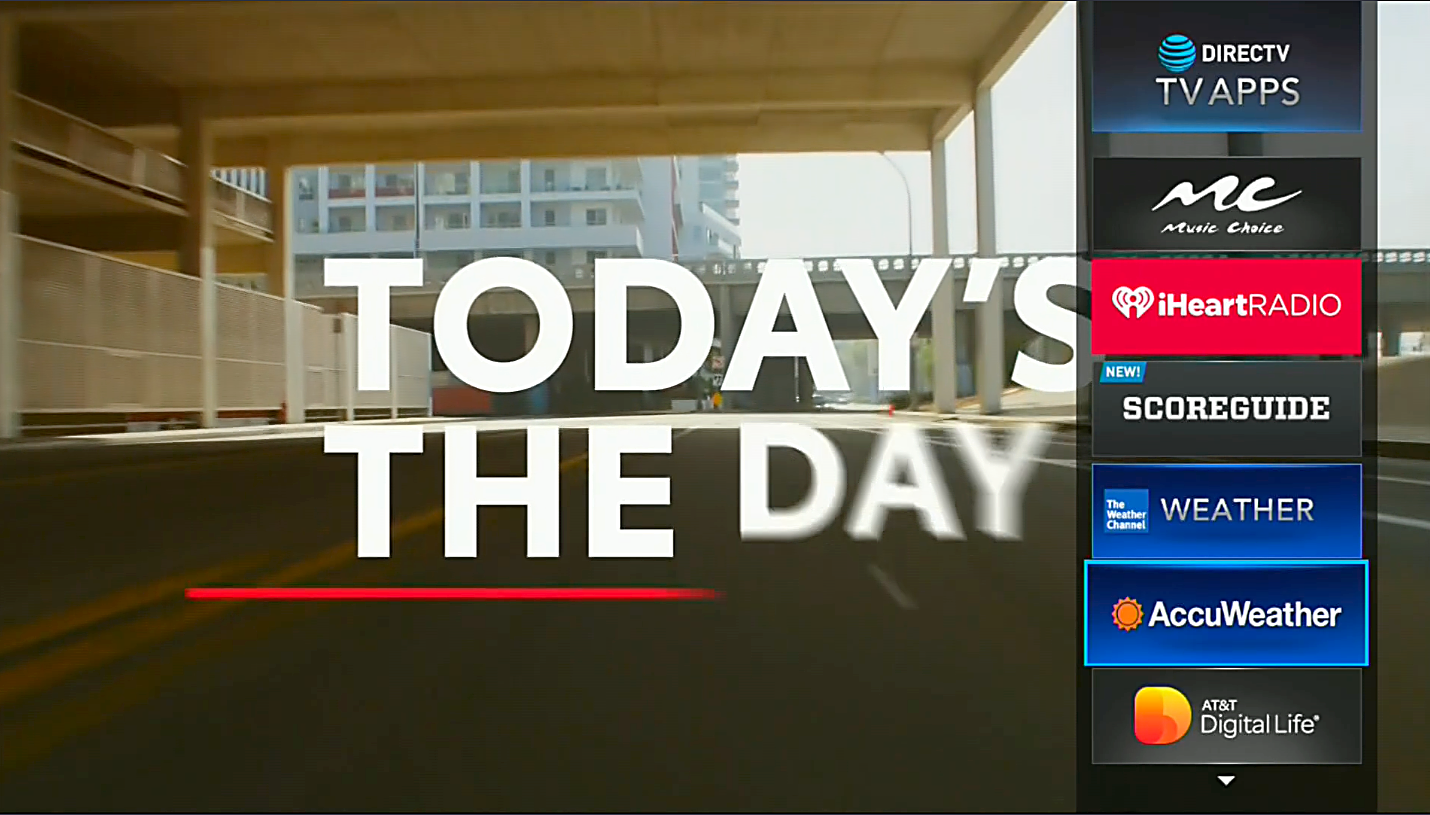
To use AccuWeather, it’s a very similar process. Start by pressing RIGHT ARROW on the remote. Arrow down to AccuWeather and press SELECT.
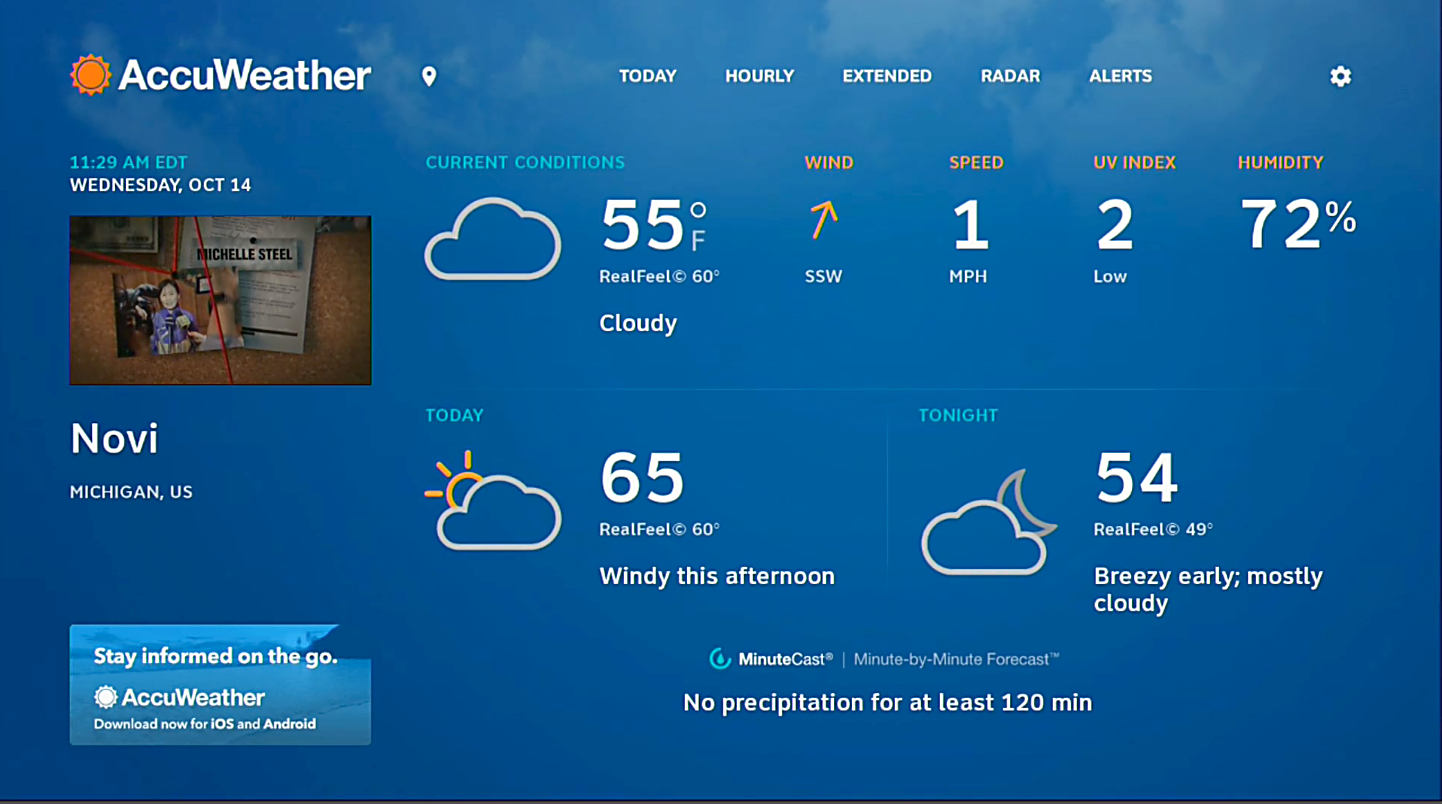
AccuWeather’s approach is somewhat different. They start with a full-screen view with live TV in a small window. From there you can arrow over to see more forecast information including maps and alerts.
When you’re done looking at the weather, press EXIT to go back to live TV.
The question I know you’re asking
I know you’re thinking, why not just use your phone? We all have weather apps on our phones and they’re pretty good. So this would seem to be a solution no one needs. And yet, I end up using it about once a week. I don’t know, maybe I’m too lazy to put down the remote and pick up the phone. Or maybe I just don’t want to pick up the phone because it means I’ll see I have more emails. If that sounds like something you struggle with, an app like this makes a lot of sense.
It’s all part of the great experience you get with DIRECTV satellite. If you’re looking for the best in satellite equipment and accessories, shop the great selection at Solid Signal!





Hi – These two Directv TV Apps have had Radar problems for months. TWC Radar doesn’t work, just blank screen that says “Loading” – none of the regions show anything. The AccuWeather Radar is up to two hours behind, regardless of region. I’ve emailed TWC and AccuWeather – no replies. I’ve tweeted them several times – no replies. Had several discussions on forums.att.com under “TV Apps” such as (https://forums.att.com/conversations/directv-apps/radar-not-loading/5fe731ef024db517c766eba8). Only one expert suggested “transmission problem.” I’ve called Directv several times, even Tech Support and they made two Escalation Trouble Tickets. Tech Support has even tried doing their own Diagnostics remotely, restarted Genie a few times. Still not fixed. It’s not on the customer end because it happens on different models of receivers. We have HR44 and HR23 – same issues. Restarted them several times, Reset Network also. Have rebooted modem and gateway. Other people on the ATT Forums have tried the same. Tried to ask ATT Help on Twitter for the Directv programmers department in charge of TV Apps so I could just call them myself. The only replies from ATT Help are “Give us some more details…DM us…” – They don’t understand. Who can I contact to get this fixed? It’s like those that were in charge of maintaining the TV Apps got laid off months ago and there’s no one available that knows how to fix these problems. Actually, the ScoreGuide for NASCAR under My Teams hasn’t been updated in a very long time either. That data is so old that they still show previous sponsor names on Cup and Trucks!